

login command, to authenticate the CLI with your Chroma Cloud account, to enable these features.
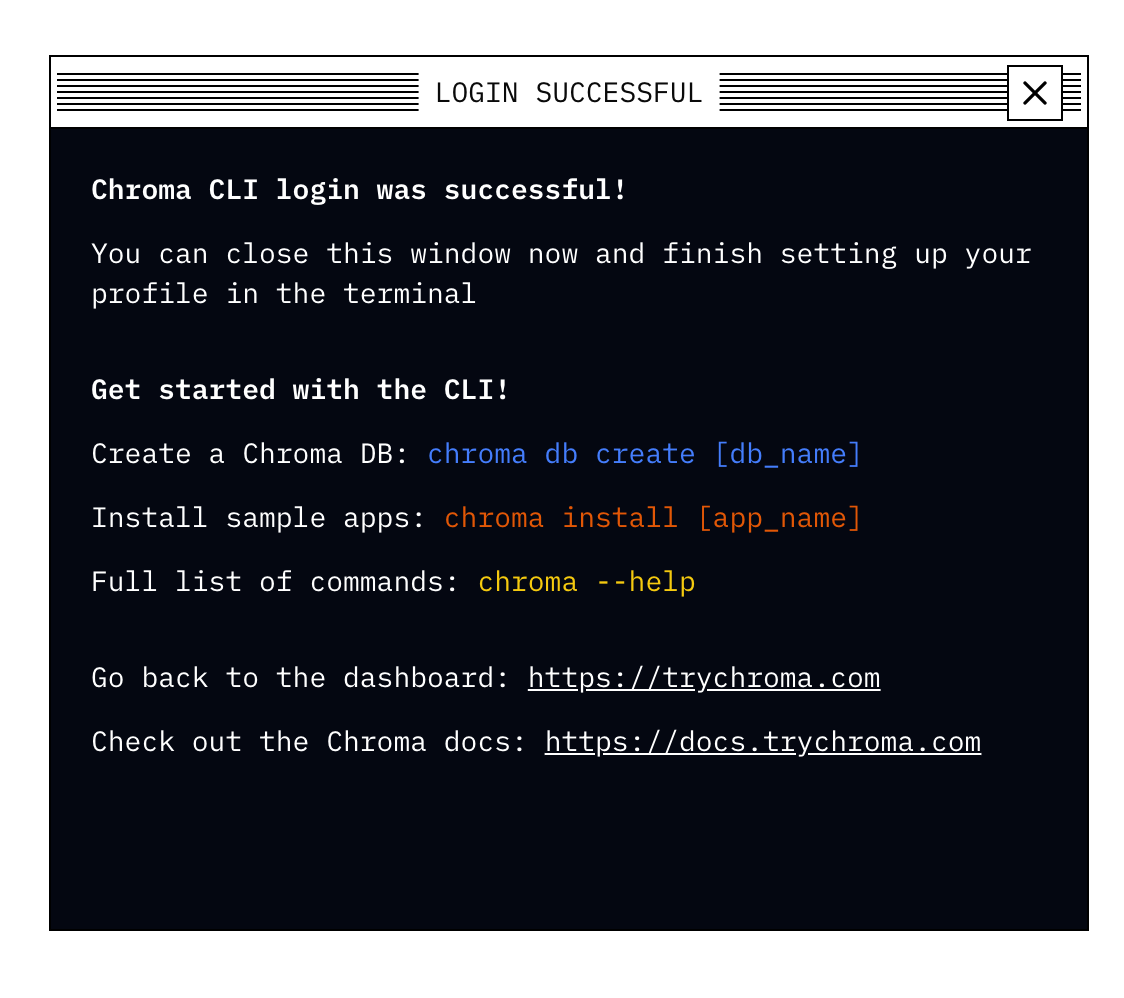
First, in your browser create a Chroma Cloud account or login into your existing account.
Then, in your terminal, run
.chroma/credentials under your home directory. By default, the name of the profile is the same name of the team you logged-in with. However, the CLI will let you edit that name during the login, or later using the chroma profile rename command.
Upon your first login, the first created profile will be automatically set as your “active” profile.
On subsequent logins, the CLI will instruct you how to switch to a new profile you added (using the chroma profile use command).
In order to login without a browser (for example, in a headless environment), you first need to create an API key in the Chroma Cloud dashboard and then run